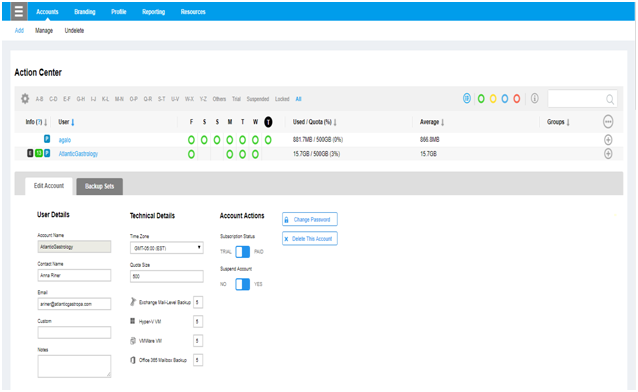
Refer the steps given below to change password in Backup Unlimited: Go to the Portal. Click on Backup Unlimited. Click on Account>Manage>Click on User. Then in Edit Account, click on Change Password. Click on Save All Changes.

Comments
Article is closed for comments.