
Follow the below steps to add a new user in Hosted Exchange:
- Go to the Portal.
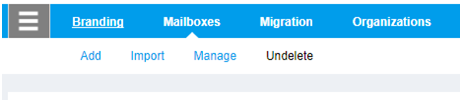
- Click on Hosted Exchange
- Click on Mailboxes
- Click on Add
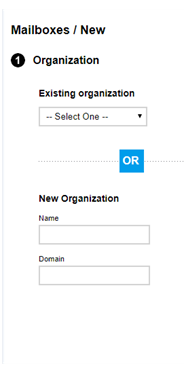
5. Select an Organizatio ( You can create organization from here if not created already )
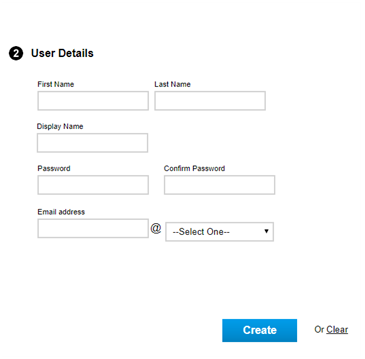
6. Add the User Details and click on Create button
Comments
Article is closed for comments.