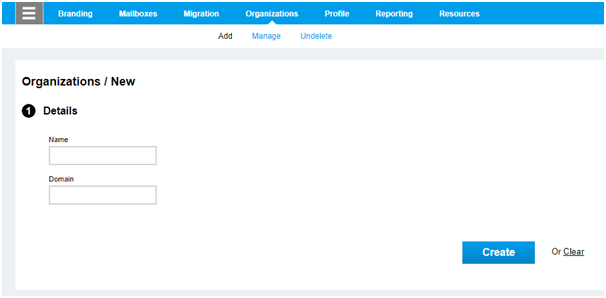
Follow the given steps to add a new organization in Hosted Exchange: Go to the Portal Click on Hosted Exchange Click on Organizations 4.Click on Add 5.Add the Details i.e. Name and Domain 6.Click on Create. 7.New organization will get created.

Comments
Article is closed for comments.