
Refer the given steps to add Distribution Lists in Hosted Exchange:
1. Go to the Portal.
2. Click on Hosted Exchange
3. Click on Organizations
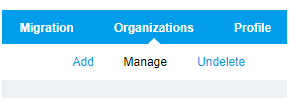
4.Click on Manage
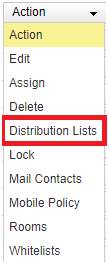
5.After that on the right-hand side, click on Action tab.
6.A drop-down list will appear, select the Distribution Lists
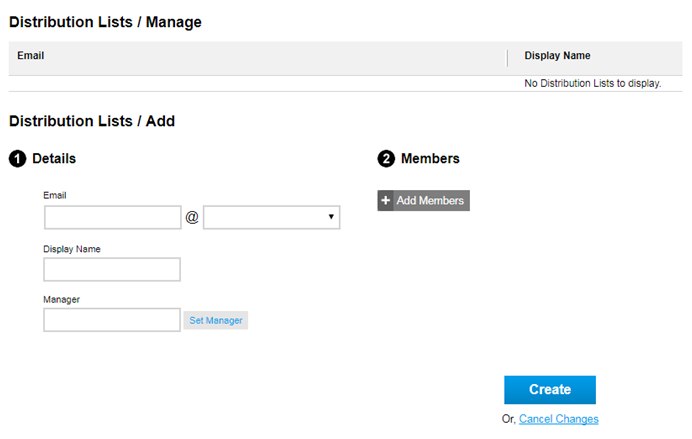
7. Enter the details like email id and name to create the distribution list.
Comments
Article is closed for comments.