
To set up email account on a mobile device an app with MAPI protocol support is needed (Outlook mobile app recommended).
1. After opening the Outlook mobile app tap GET STARTED
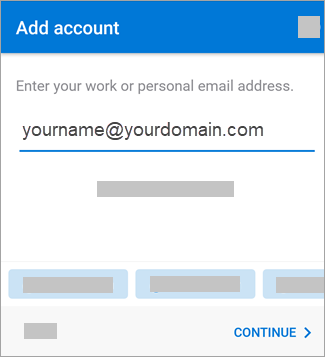
2. Input your email address and click CONTINUE
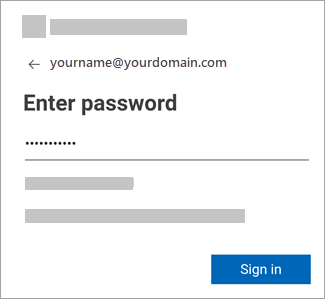
3. Window similar to one from a web browser will appear prompting for password to the account.
4. After inputting password you can add another account or skip this step.
5. Setup is complete.
NOTE! Shared mailbox cannot be added to a mobile device.
If you prefer to setup email account over POP or IMAP protocol, please find proper POP, IMAP, and SMTP settings below:
POP:
Server name: outlook.office365.com
Port: 995
Encryption method: TLS
IMAP:
Server name: outlook.office365.com
Port: 993
Encryption method: TLS
SMTP:
Server name: smtp.office365.com
Port: 587
Encryption method: STARTTLS
Comments
Article is closed for comments.