
We recently added a domain to our office 365 tenant and it was throwing an error that it was used by someone else. We couldn’t find who is having access to the office 365 account. Even though we know we are the sole owner of this domain not sure who has access to it.
That’s where the trick on Admin Take over comes in. Go to https://powerbi.microsoft.com/en-us/landing/signin/
Signup for a free account . use the domain you wish to take over.

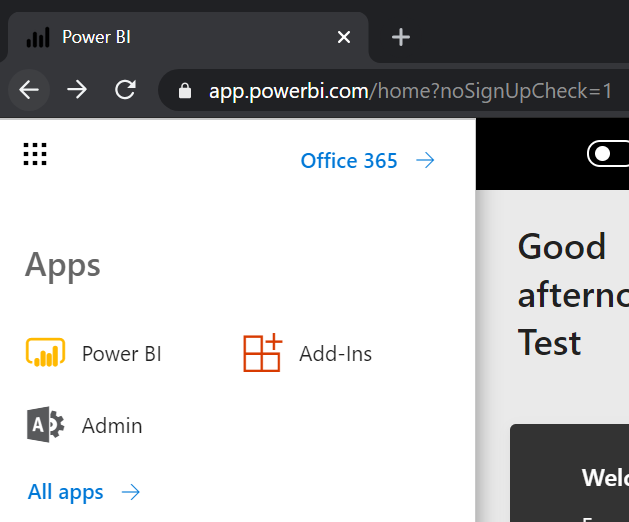
Now login to the account and click on Admin Tab.
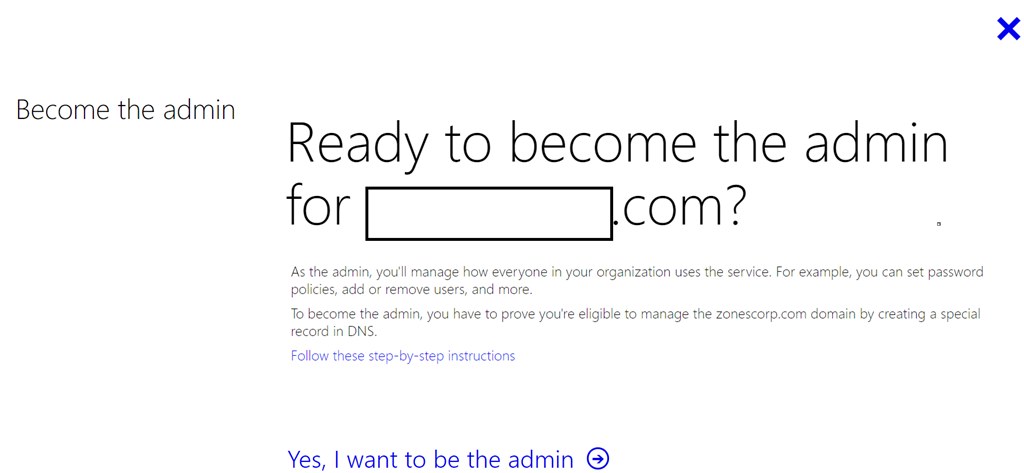
Click on “Yes I want to be the Admin”
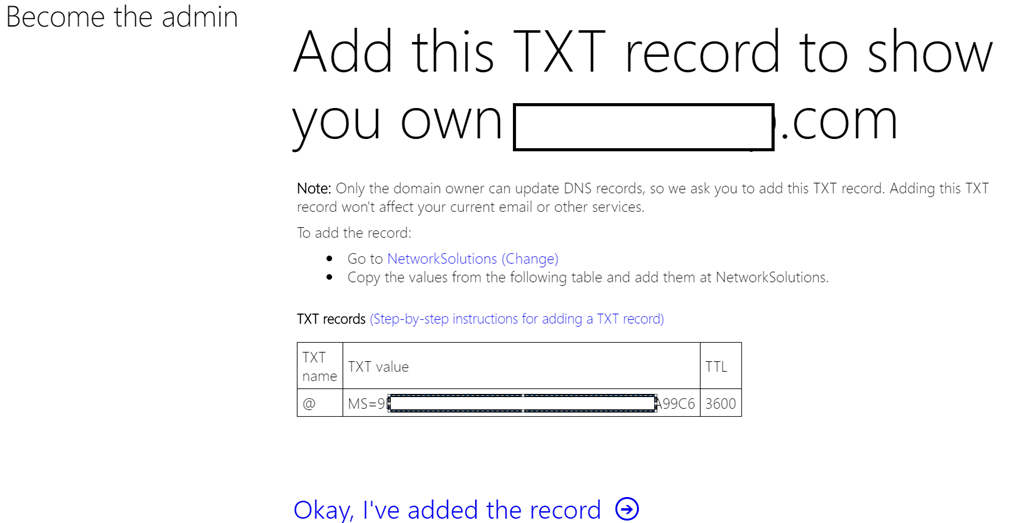
Add the txt record show to prove ownership of the domain.
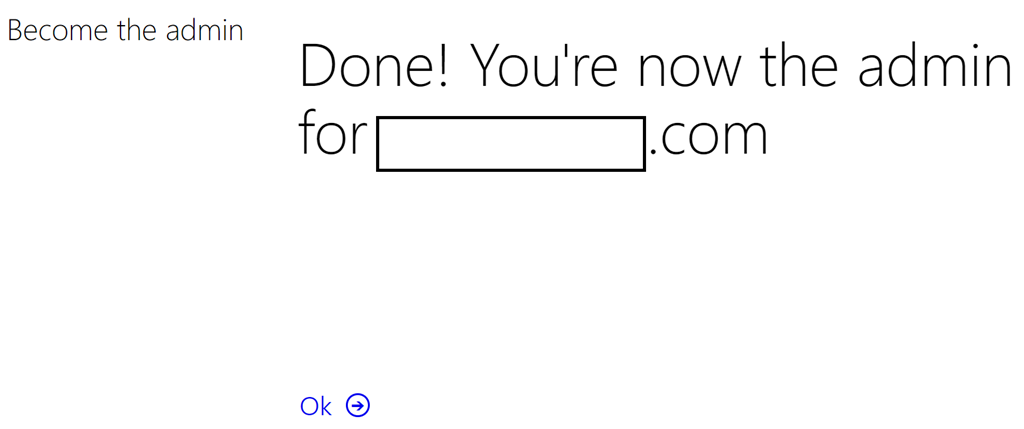
Now you are the admin of this domain.
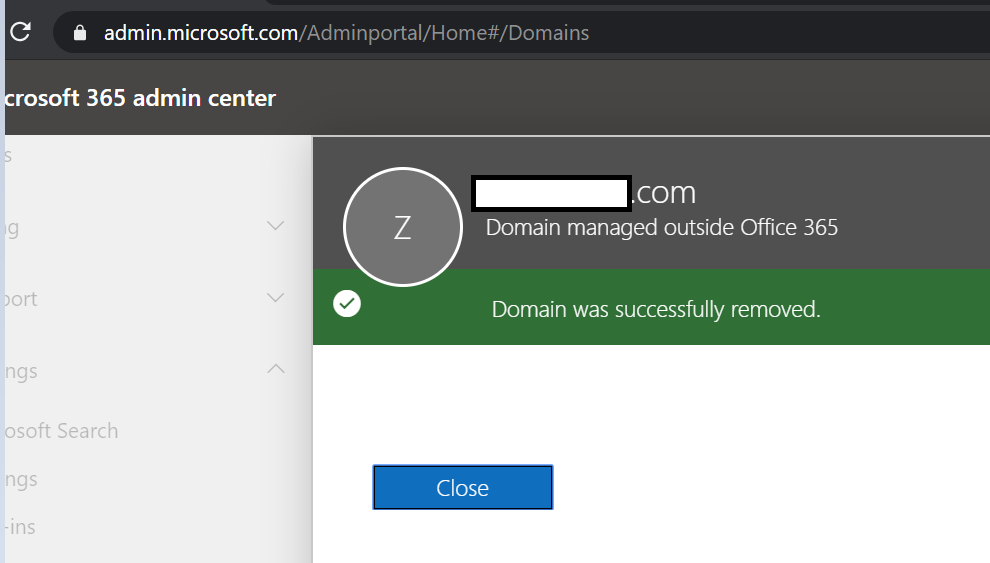
Now got access to their existing Office 365 tenant went to admin portal. Removed the domain.
Waited for the domain to be completely removed from the tenant. Added the domain to our primary tenant.
Same time it shows the power of having access to the dns of a domain.
Comments
Article is closed for comments.