
To start log in to your Outlook ( This for Outlook to pc)
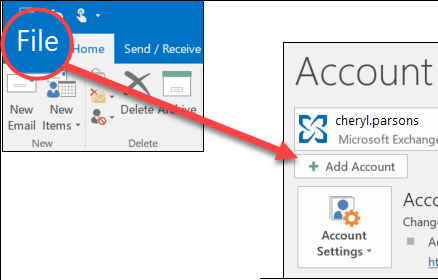
1. Select File > Add Account.
2. Next depends on your Outlook version.
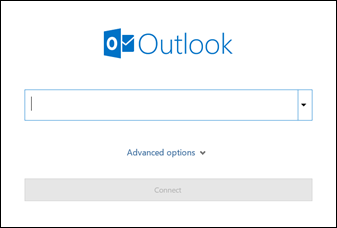
Enter your email address and click Connect.

Enter your name, email address, and password, and click Next.
3. If prompted, enter your password again, then select OK > Finish to start using your email account in Outlook.
Outlook for Mac
To add new account
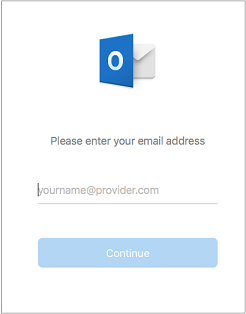
1. Type your email address > Continue.
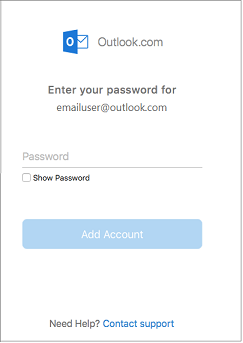
2. Type your password > Add Account. (Your screen might look different from this one depending on the account you're adding.)
4. Select Done to start using Outlook 2016 for Mac.

Comments
Article is closed for comments.